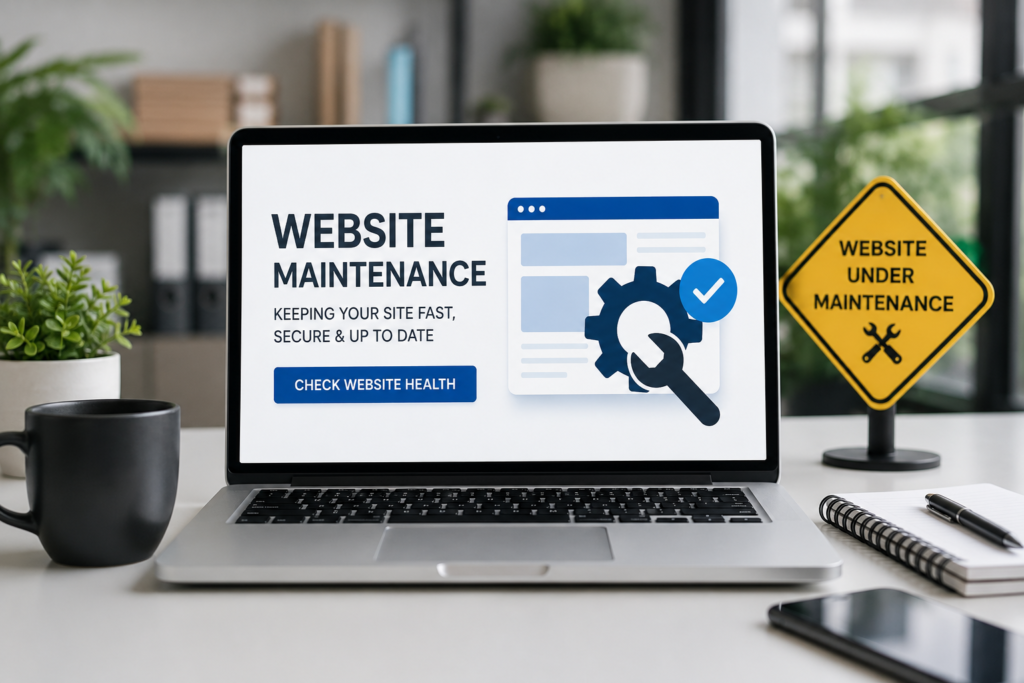
Quick answer: A website needs urgent maintenance when it loads slowly, shows broken links or errors, looks outdated on mobile, or has gone unchecked for security updates. These issues quietly drive customers away and hurt your search rankings, so the fix is a regular maintenance and health check, not just a one-time repair.
If your website was working fine when it launched, it’s easy to assume it still is. But websites don’t stay healthy on their own. Software updates pile up, links break, competitors redesign, and small glitches turn into real problems, which is exactly why regular maintenance matters so much. Most business owners don’t notice until a customer mentions it, or worse, until sales quietly start slipping. Below are the clearest warning signs it’s time to stop ignoring maintenance and start acting on it.
1. Your Website Is Slow to Load
What it means: Pages take several seconds to load, images lag, or the site feels sluggish on mobile data.
Why it matters: Visitors decide whether to stay or leave within the first few seconds. A slow site doesn’t just frustrate people, it actively pushes them toward a competitor’s page instead.
How to fix a slow website: Compress large images, remove unused plugins or scripts, enable browser caching, and check your hosting plan can handle your current traffic. If none of that helps, the issue is often deeper in the code and needs a professional review.
2. Broken Links and Missing Pages
What it means: Clicking a button, menu item, or old blog link leads to a 404 error or a blank page.
Why it matters: Broken links look unprofessional and interrupt the customer’s journey right when they’re ready to take action, like reaching your contact form or checkout page.
Look for: Look for: old product pages left live after a redesign, outdated links to services you no longer offer, or internal links that were never updated after a URL change.
3. Your Website Isn’t Mobile-Friendly
What it means: Text is too small, buttons overlap, or the layout breaks on phones and tablets.
Why it matters: More than half of web traffic now comes from mobile devices. A site that doesn’t adapt properly turns away the majority of your potential visitors before they even see what you offer, a mobile-friendly web design fixes this at the source.
Look for: Menus that don’t open properly, images that spill off the screen, or forms that are difficult to fill out on a small screen.
4. Outdated Design and Content
What it means: Old branding, outdated stock photos, or a layout that looks like it hasn’t changed in years.
Why it matters: Visitors judge credibility fast. An outdated website makes people question whether your business is still active or trustworthy, even if your service quality hasn’t changed at all.
🎨 Want your site to look as sharp as your business actually is? TechXaro’s Branding & Creative Design team can refresh your visuals, layout, and brand identity so your website matches the quality of what you deliver. 👉 Explore TechXaro’s Branding & Creative Design Services
5. Security Warnings or a Missing SSL Certificate
What it means: Browsers show a “Not Secure” warning, or your site hasn’t been checked for vulnerabilities in a long time.
Why it matters: Beyond the obvious risk of a hack, an unsecured site damages trust instantly and can even get flagged by Google, which hurts your search engine rankings.
Website security checklist:
- SSL certificate installed and active
- Software, plugins, and themes updated regularly
- Strong admin passwords and limited user access
- Regular malware scans
- Automatic backups in place
6. Your Search Rankings Are Slipping
What it means: Pages that used to show up on Google are now harder to find, or your organic traffic is quietly declining.
Why it matters: Search engines favor sites that are fast, secure, and regularly updated. Neglected maintenance is one of the most common, and most overlooked, reasons rankings drop over time.

How to Check Website Health
You don’t need to guess. A basic health check covers:
- Speed: Test load time using a free tool like Google PageSpeed Insights
- Security: Confirm your SSL certificate and check for outdated software
- Links: Scan for broken internal and external links
- Mobile view: Test your site on an actual phone, not just by resizing a browser window
- Analytics: Review traffic and bounce rate trends over the last few months
Running through this list once a quarter will catch most problems long before customers notice them.
Website Maintenance Checklist
If you’re ready to take action, here’s a simple starting checklist:
- [ ] Update all plugins, themes, and software
- [ ] Test page speed and fix slow-loading pages
- [ ] Check for and fix broken links
- [ ] Confirm mobile responsiveness
- [ ] Verify SSL certificate is active
- [ ] Run a security and malware scan
- [ ] Back up the site
- [ ] Review analytics for unusual drops in traffic
The Importance of Website Maintenance
Your website is often the first impression a potential customer has of your business. The importance of website maintenance isn’t just about avoiding technical problems, it’s about protecting the trust, credibility, and revenue that your site is responsible for generating every single day.
Benefits of Website Maintenance
- Better user experience: Fast, functional sites keep visitors engaged instead of bouncing away
- Stronger search rankings: Search engines reward sites that are fast, secure, and consistently updated
- Improved security: Regular updates close vulnerabilities before they can be exploited
- Higher conversions: A smooth, professional site builds the trust needed to turn visitors into customers
- Long-term cost savings: Small fixes now are far cheaper than a full rebuild after something breaks
Final Thoughts
A website isn’t a one-time project, it’s an ongoing part of your business that needs regular attention. The good news is that most of these warning signs are easy to catch early, and even easier to fix, before they start costing you real customers.
🛠️ Not sure where to start? TechXaro’s Maintenance & Support team handles everything from speed fixes and security updates to full website health checks, so your site stays fast, secure, and ready for business. 👉 Get a Free Website Health Check
